
Blog
How Do You Reset, Pair and Register IQOS ILUMA i?

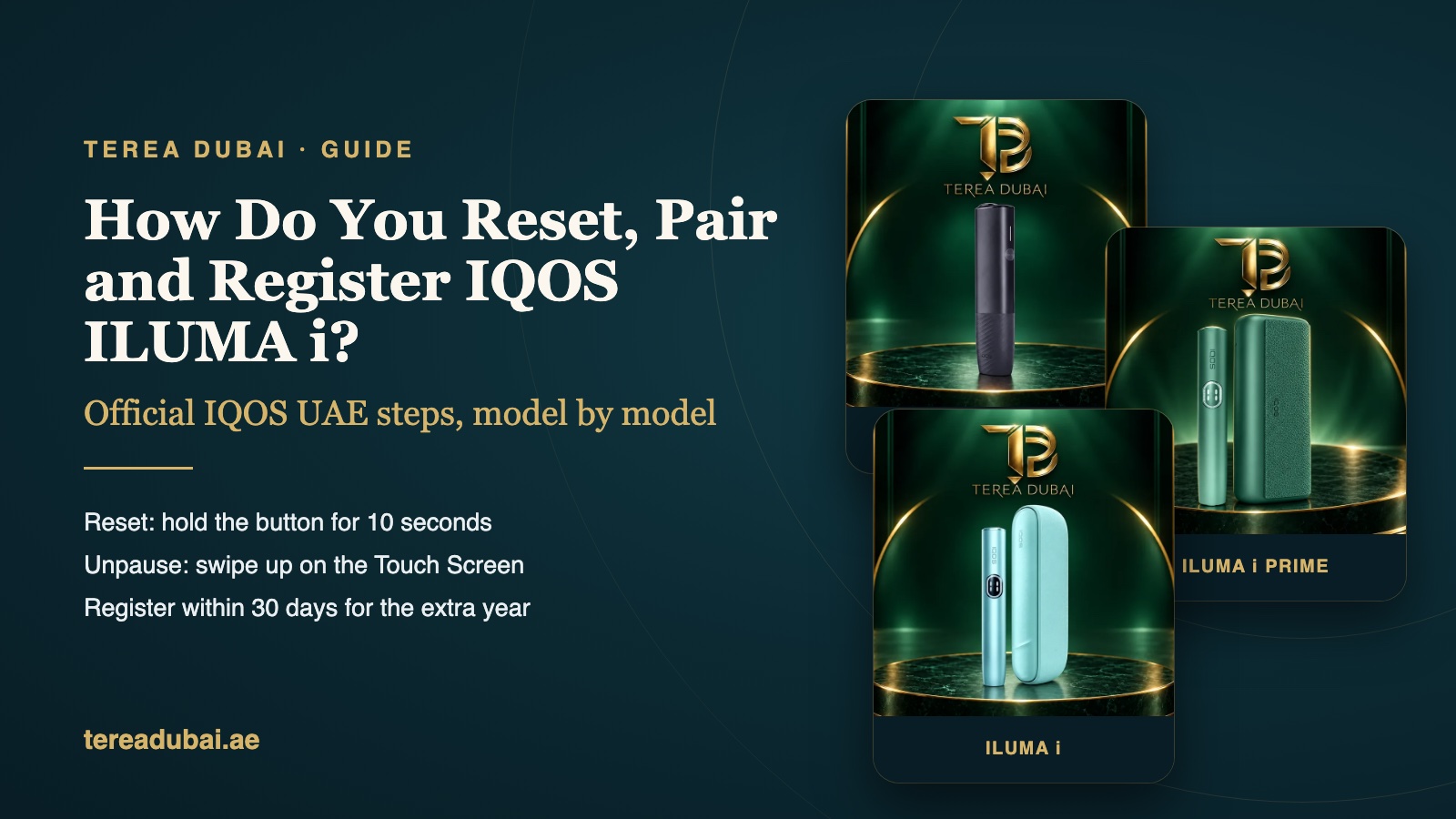
Quick answer: ILUMA i ONE resets with its ON/OFF button. Keep it held for 10 seconds. For ILUMA i and ILUMA i PRIME, put the holder in the Pocket Charger and hold the charger button for 10 seconds, until all the lights dim. The IQOS app is where you turn its smart features on or off. Registering happens online with IQOS, in My Account.
We get these three questions a lot. They tend to come a few weeks after someone buys. A reset clears a stuck device. The app lets you switch a few features on or off. Registering adds warranty cover with IQOS.
Everything below comes from the IQOS UAE support pages. If those pages are silent on a point, we say so. We’d rather not guess.
How do you reset IQOS ILUMA i?
It’s a 10-second button hold. Which button you press comes down to your model. ILUMA i ONE is a single piece, so you press its own ON/OFF button. ILUMA i and ILUMA i PRIME have a holder and a Pocket Charger, so you use the charger.
For IQOS ILUMA i ONE:
- Hold down ON/OFF. Count to 10 before you let go.
- Watch the status lights. They fade in, blink twice fast, then ramp up.
- After that, the lights show the current charge level. That means the reset worked.
For IQOS ILUMA i and ILUMA i PRIME:
- Put the holder inside the Pocket Charger.
- Hold the charger’s button down. Again, count to 10.
- Let go once all the lights have dimmed out.
- All the lights then blink white for a moment. That’s your reset confirmed.
IQOS UAE gives the Pocket Charger steps on its ILUMA self-diagnosis pages, for a charger or holder that blinks red or stops working. The ONE steps are on its ILUMA i ONE troubleshooting page, for a device whose lights come on but won’t charge.
Before you reset, check the simple things. Look at the charger first. You want at least one solid white light on it. Below that, it can’t heat the holder. Does the screen flash “0” three times? Then the holder has simply run out. Put it back in the charger and leave it for a bit. Our charging guide covers this, and the lights guide explains each pattern.
| Job | ILUMA i ONE | ILUMA i / PRIME |
|---|---|---|
| Switch on | ON/OFF, 4 secs | Charger button, 4 secs |
| Reset | ON/OFF, 10 secs | Holder inside, button 10 secs |
| It worked if | Two quick blinks, then charge | A quick white blink |
| Pause | Not on its pages | Swipe down the screen |
| Unpause | Not on its pages | Swipe up, wait for preheat |
How do you pair it with the IQOS app?
You connect ILUMA i to the IQOS app to turn its smart features on or off. That’s how IQOS UAE puts it on the first-steps pages for all three models. It doesn’t publish a step-by-step pairing guide there, so we won’t invent one.
Here’s what the official pages say the app is for:
- ILUMA i and ILUMA i PRIME: switch smart features on or off, change Touch Screen brightness and pick the holder’s battery mode.
- ILUMA i ONE: customise how it works, and get notifications, tips and tutorials.
- All three: manage FlexPuff, which is already on when the device is new.
- ILUMA i PRIME: the troubleshooting page says Performance Mode and Pause Mode should be switched on in the app.
App can’t see your device? Charge it fully first. Then reset it as shown above and try again. If it still won’t connect, IQOS customer care can walk you through it. Their UAE warranty page lists live chat, phone and IQOS stores, with service from 9:00 to 19:00 every day.
How do you register your device?
You register it online with IQOS, through My Account on the IQOS UAE website. It’s free and optional. Every IQOS device already has a 1-year IQOS warranty, and that starts without any registration.
So why bother? According to the IQOS UAE warranty page, you get these if you sign up within 30 days:
- One more year of cover for manufacturer defects.
- For ILUMA i PRIME only, cover for accidental damage. That’s one replacement while the warranty runs.
- International assistance in more than 90 countries.
IQOS may ask for proof of purchase. Keep your order confirmation from us somewhere safe. We’re an independent shop with no link to IQOS or Philip Morris International. So IQOS makes the call on cover, not us. We can’t register a device for you.
How do you unpause IQOS ILUMA i?
Swipe up across the whole Touch Screen and wait for it to preheat again. You paused it by swiping down, and four vertical lines showed on the screen while it waited.
A pause lasts up to 8 minutes. If you don’t come back in time, the holder switches itself off. You can pause once, in the first or second use in a row, in Performance Mode. That’s from the ILUMA i and PRIME pages. The ILUMA i ONE pages don’t describe a pause.
What if a reset doesn’t fix it?
Go back to basics first. Clean the contacts and seat the holder in the Pocket Charger again. Wait for a solid white light. Then take the holder out and give its button a short press. Keep the device between 0°C and 50°C too. Three white blinks from the holder? It’s too hot or too cold to work.
Still blinking red after a reset? IQOS UAE has a self-diagnosis tool on its website. Try that next. After that, contact IQOS customer care. Our not-heating guide covers sticks that won’t warm up. For everyday use, read how to use IQOS ILUMA i.
Common questions
How do I register my IQOS device?
Sign in to the IQOS UAE website, or make an account. Then add the device in My Account. Do it within 30 days of buying it to get the extra warranty year. Keep your receipt or order email. IQOS may ask to see it.
How do I unpause IQOS ILUMA i?
Swipe up across the whole Touch Screen, then wait for the preheat. A pause lasts up to 8 minutes. After that, the holder turns off on its own.
Does a reset delete my settings?
The IQOS UAE pages don’t say either way. So after a reset, have a look in the IQOS app. Check FlexPuff and the battery mode. Change back anything that looks different.
How does ordering work with us?
You can order online every day from 9:00 to 22:30, and until 20:30 on Wednesdays. In Dubai it usually arrives within the hour. Sharjah and Ajman take 1 to 2 hours. Other emirates usually take about 12 hours. You pay cash on delivery.
We sell TEREA sticks, IQOS ILUMA i devices and BLENDS A. We don’t sell HEETS. Colours and models change with stock, so check the product page before you order.
For adults who already use tobacco or nicotine products. Nicotine is addictive, and no tobacco stick is risk-free. Keep tobacco sticks and heated tobacco devices away from children and pets. TEREA Dubai is an independent retailer with no affiliation to IQOS or Philip Morris International. Checked on 15 November 2026.
