
Blog
What Do the Lights on IQOS ILUMA i Mean?

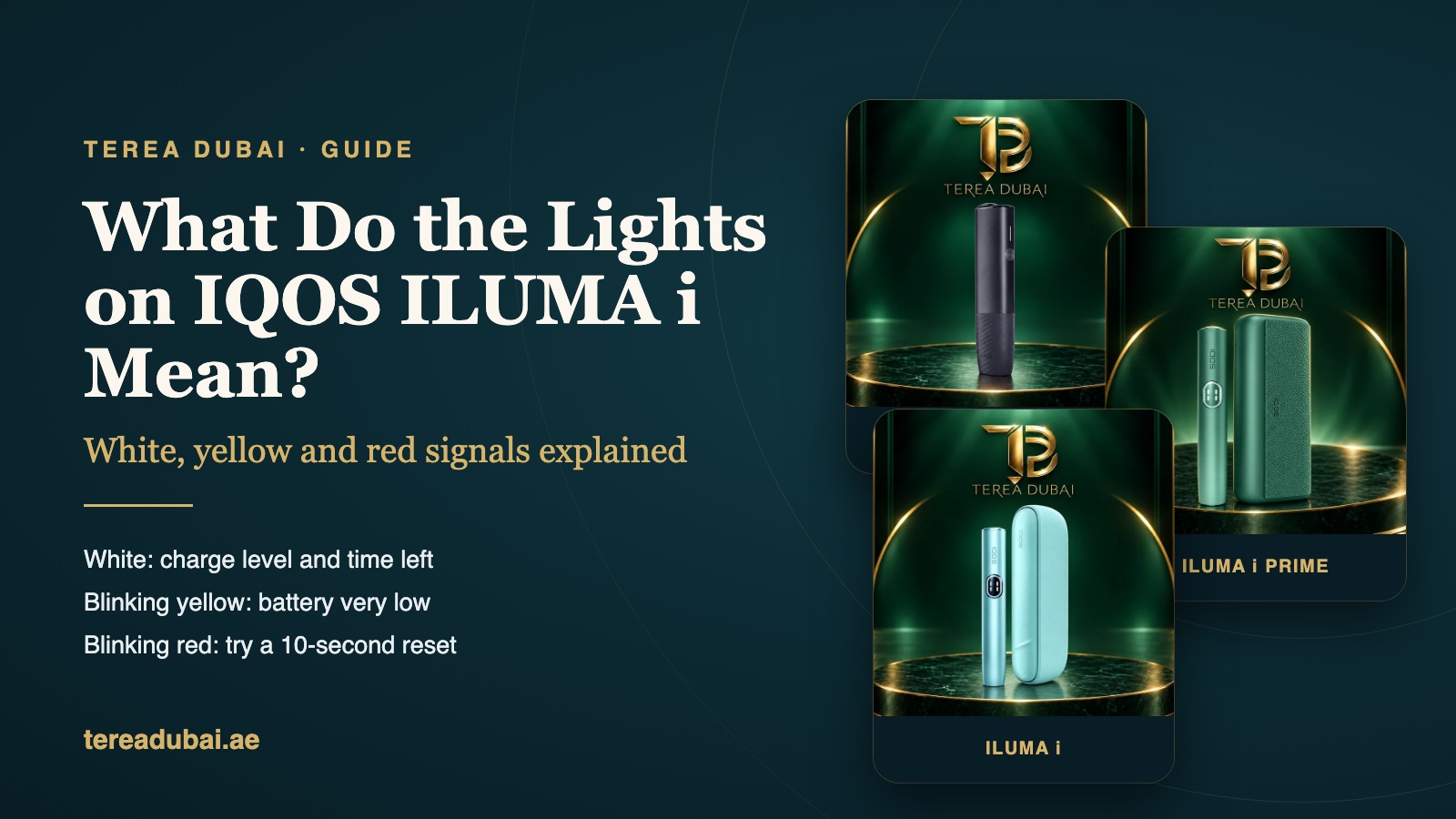
Quick answer: White is normal on IQOS ILUMA i. It shows your charge, and how long the session has left. Yellow blinking on the charger? The battery’s almost flat. Red blinking? Reset it first. Hold the button down and count to ten. Still red after that? Then it’s one for IQOS support.
A blinking device can look like a fault. Usually it’s not. It’s the device asking for something, that’s all.
We took every signal here from IQOS’s own UAE help pages. Where they say nothing, so do we.
What do the white lights mean?
White is the colour you want to see.
Switching on? Press the button for 4 seconds. The lights fade in slowly. It’s just waking up.
ILUMA i and PRIME come with a Pocket Charger. Look at its four little strip lights. All four solid white? Full. Fewer? Less charge. The holder gets its own light too. That one is for the holder’s battery.
While you charge, the strip lights pulse. Press and release the button and the light blinks to show the level.
During a session, the Light Guide around the Touch Screen counts down the time you have left. On PRIME and the standard ILUMA i, it also tells you when FlexPuff has added extra puffs, and when the holder is ready again after Pause Mode.
Blinking white lights on the holder
IQOS’s ILUMA self-diagnosis page mentions two white patterns. Three white blinks? The holder’s too hot or too cold. IQOS wants it kept from 0°C up to 50°C.
Eight white blinks? Only one more go left in the holder. For that one IQOS sends you to its self-diagnosis tool.
That first one is worth knowing in UAE heat. Left it in the car in August? Then let it sit indoors for a bit first.
Yellow light while charging?
Yellow means low battery. Nothing’s broken.
Totally flat? Give the yellow blink a few seconds. Past 7% it goes white. Just leave it on charge.
Is your Pocket Charger dead flat? It may stay dark. IQOS says up to 20 minutes. Don’t give up on it too soon.
Our guide on how to charge IQOS ILUMA i walks through the charging lights for each model.
Red or orange blinking: what now?
Red blinking on the Pocket Charger or holder? IQOS says to reset it, like this:
- Put the holder into the Pocket Charger.
- Hold the Pocket Charger button down. Count to ten.
- Don’t let go until the lights go dim.
- Let go. All the lights blink white briefly. That means the reset worked.
Then charge it and try a stick again.
Orange? The UAE guides for ILUMA i don’t mention it. We’d rather not guess. Seeing a colour you can’t work out? Try IQOS’s self-diagnosis, or just ring them.
Lights look normal, but the stick stays cold? That’s another issue. Our post on IQOS ILUMA i not heating TEREA covers it.
| What you see | What it means | What to do |
|---|---|---|
| Lights fade in slowly | Switching on | Nothing |
| Strip lights pulse | Charging | Leave it plugged in |
| First light blinks yellow | Battery very low | Keep charging |
| 4 solid white lights | Fully charged | Ready to use |
| “0” flashes 3 times on screen | Holder is empty | Put it in the charger |
| Holder: 3 white blinks | Wrong temperature | Wait, then try again |
| Blinking red | Needs a reset | Hold button 10 s |
Are the lights different on ILUMA i ONE?
Yes, a little. The ILUMA i ONE has no separate holder or Pocket Charger. It’s one piece, so all the signals come from its own four strip lights.
Count the solid white lights. Four is 100%. Three is 75%. Two is half. One is 25%. Charging from empty? Plan on about 90 minutes with a compatible adaptor. At full, all four go solid white, then off.
Push a stick in and it buzzes. The lights pulse. Later it buzzes again and the lights flash. That’s your warning. Two puffs left, or about 30 seconds.
The reset is different too. Hold the ON/OFF button for 10 seconds. The lights fade in, blink twice fast and ramp up. After that they show the charge level.
Which model is yours? Our guide on what IQOS ILUMA i is explains the three.
What does a flashing “0” mean on ILUMA i and PRIME?
It means the holder’s battery is empty. You’ll see it on the Touch Screen. It flashes three times.
Put the holder back in the Pocket Charger and close the door. Check the charger itself has some charge. Wait for a holder light on the charger to go solid white.
If the holder lights stay dark after you swipe up, the Pocket Charger may be flat. Wipe the contacts where the holder sits. Pop it back in. Solid white? Lift it out. Tap its button once.
When should you contact IQOS support?
Red again after a reset? Ring IQOS. Won’t charge with clean ports and the right cable? Ring them too.
We’re an independent shop. We sell devices. We can’t run IQOS’s own tests. Faults go to IQOS customer care in the UAE. Their number is on the IQOS UAE support page.
Before you call, try the easy things. Charge it fully. Clean the ports. Do a reset once. Write down exactly what the lights do. That saves time on the phone.
New to ILUMA i? Read our guide on how to use IQOS ILUMA i before your first stick.
Looking for a new device?
We stock all three ILUMA i models. A few in the range right now:
- IQOS ILUMA i ONE REMIX Limited Edition
- IQOS ILUMA i Standard Galaxy Blue Limited Edition
- IQOS ILUMA i PRIME Aspen Green
Stock changes week to week. You can see every model in our IQOS ILUMA i range. In Dubai, orders usually arrive within the hour. Sharjah and Ajman take 1 to 2 hours, and other emirates about 12 hours. Cash on delivery works everywhere. We sell TEREA for ILUMA, not HEETS.
Common questions
Why is my IQOS ILUMA blinking red?
Most likely it wants a reset. Put the holder in the charger. Press the charger’s button. Keep your thumb on it till the lights dim. If the red comes back, contact IQOS support.
Why is my IQOS ILUMA blinking white?
On charge, it’s just showing the level. Three blinks on the holder? It’s too hot or cold. IQOS says 0°C to 50°C. Eight blinks? One go left.
Why is my IQOS ILUMA i ONE light yellow?
Low battery. Keep it on charge. Once the charge passes 7%, the blink turns white.
How do I reset my ILUMA i?
On ILUMA i and PRIME, put the holder in the Pocket Charger and hold the charger button for 10 seconds. The ONE is simpler. Hold its own button for 10 seconds. The lights blink when it’s done.
A word about us
TEREA Dubai is an independent retailer. We have no affiliation with IQOS or Philip Morris International. Questions before you order? Call +971 54 703 5056 or email [email protected].
For adults who already use tobacco or nicotine products. Nicotine is addictive, and no tobacco stick is risk-free. TEREA contains a sharp metal part; do not take it apart or swallow it. Keep tobacco sticks away from children and pets. TEREA Dubai is an independent retailer with no affiliation to IQOS or Philip Morris International. Checked on 2 November 2026.
